Make it your own.
Add collections and artwork with Kometa, track activity with Tautulli, or welcome people with Wizarr.
A pre-built media server, ready to configure. Your Appbox includes 6 PB of content and Nexus to make it yours.
Get your AppboxSee current pricingBase service · Options at checkout
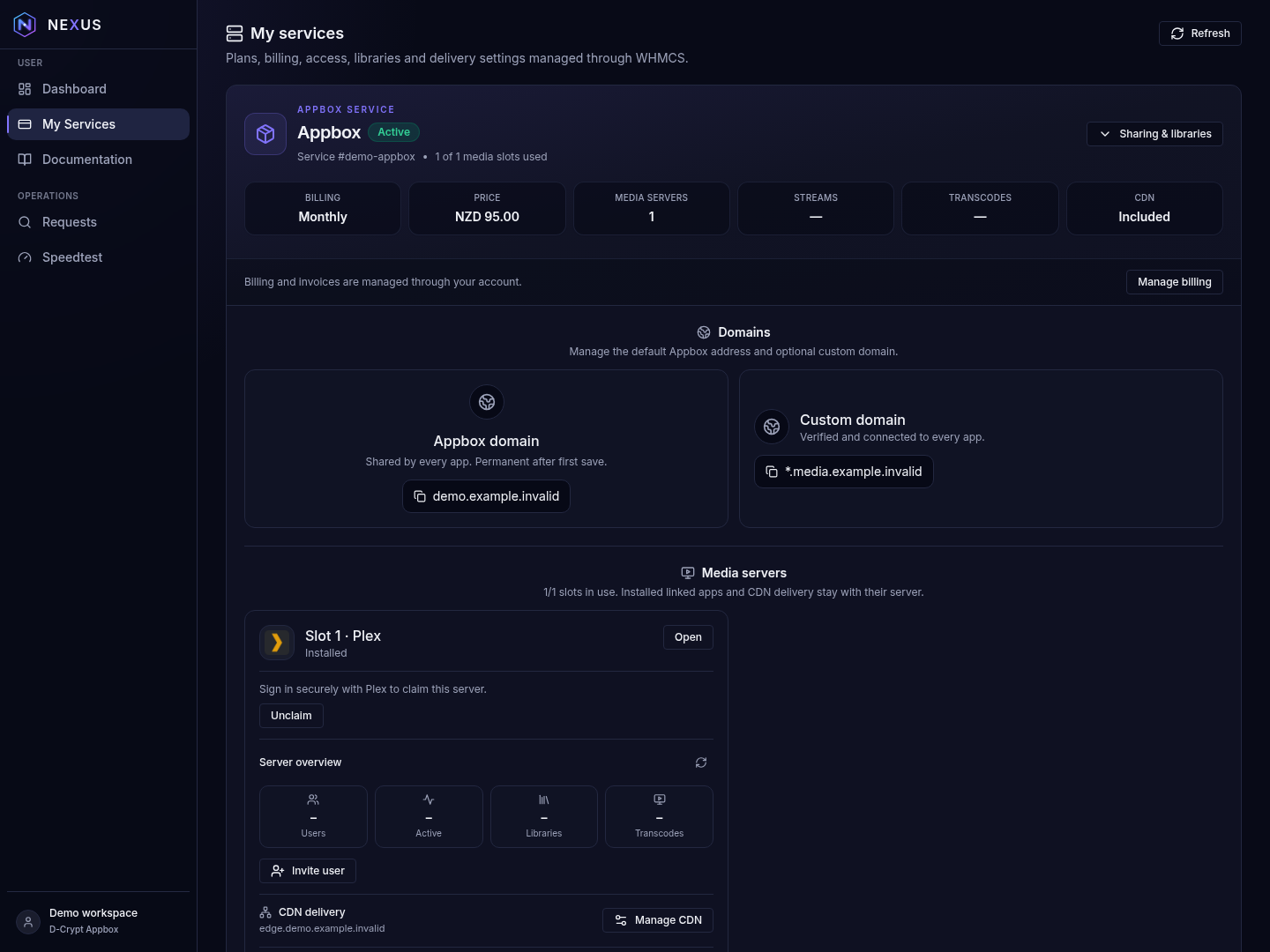
Your Appbox
Skip the empty server. Start with 6 PB of content in a full-fledged, pre-built Appbox. Choose Plex or Emby and make yourself at home.
The content library is included. Your server configuration is up to you.
Choose your setup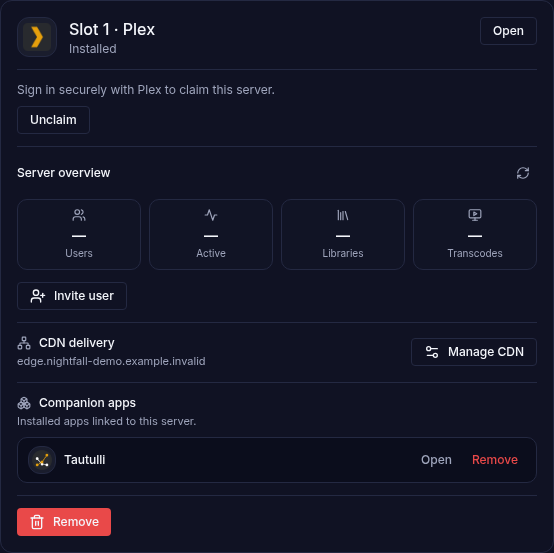 View server controls
Meet Nexus
Install companion apps. Manage access. Give your server its own address. All from one control panel.
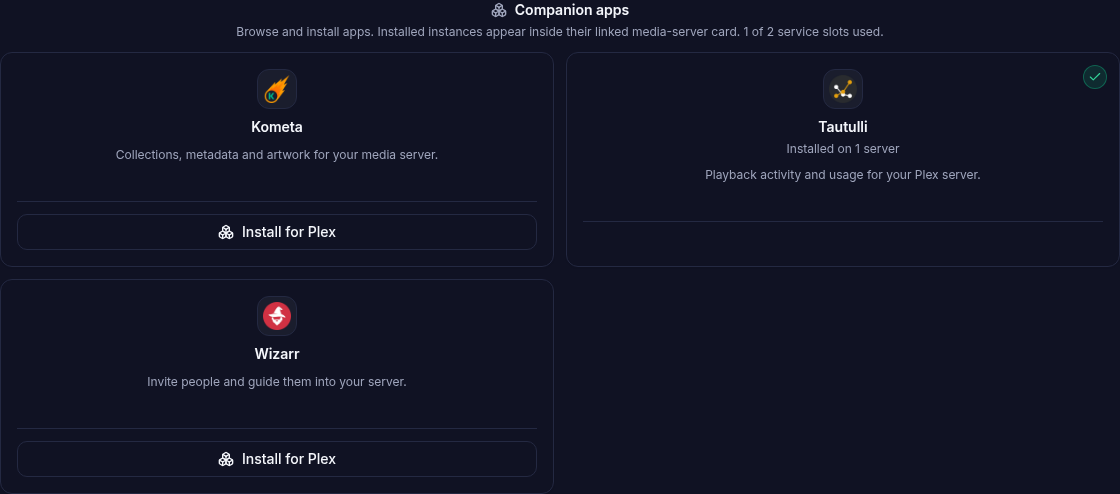 Explore companion apps
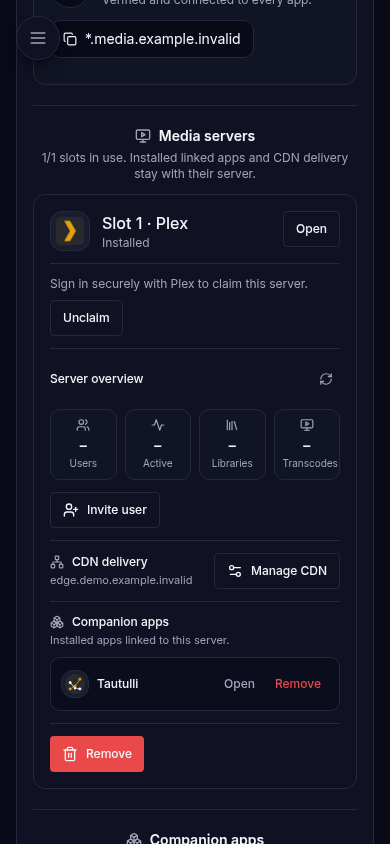 Mobile view ↗
Add collections and artwork with Kometa, track activity with Tautulli, or welcome people with Wizarr.
Invite people to your media server. Choose exactly which libraries they can access.
Manage your Appbox address and available custom-domain and delivery options.
Invitations and library permissions, right beside your server.
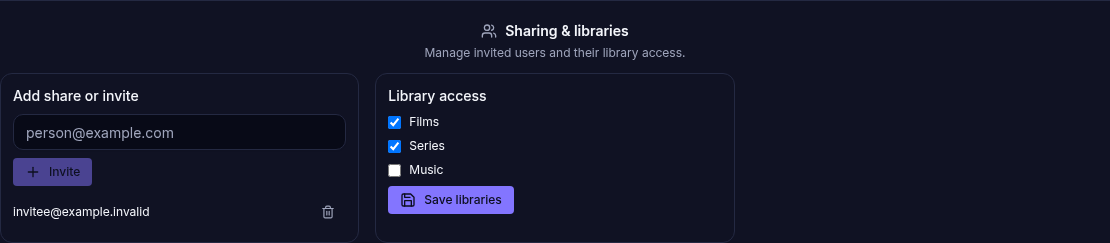 View sharing controls
One place for your Appbox domain and custom-domain controls.
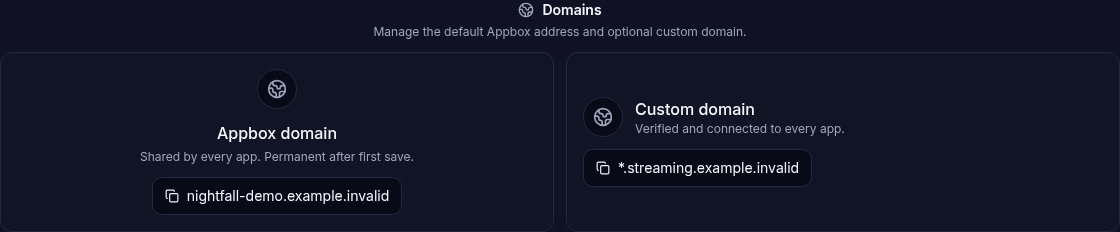 View domain controls
Actual Nexus screens with demonstration data. Apps, allowances and delivery options depend on your configuration.
Get your Appbox
Choose your options and review the final price. After order and payment verification, open Nexus to manage your media server.
Nexus manages your media servers, companion apps, domains, delivery settings, library access and sharing. Your separate client portal handles purchases, invoices and support tickets.
The content library available with Appbox. It describes the content rather than a private 6 PB disk allocation for each account.
Use Support in your client portal for service and billing questions. Your ticket and replies stay together in the portal.